
PGSharp Joystick Not Working: 2026 Troubleshooting Guide for Rooted Android

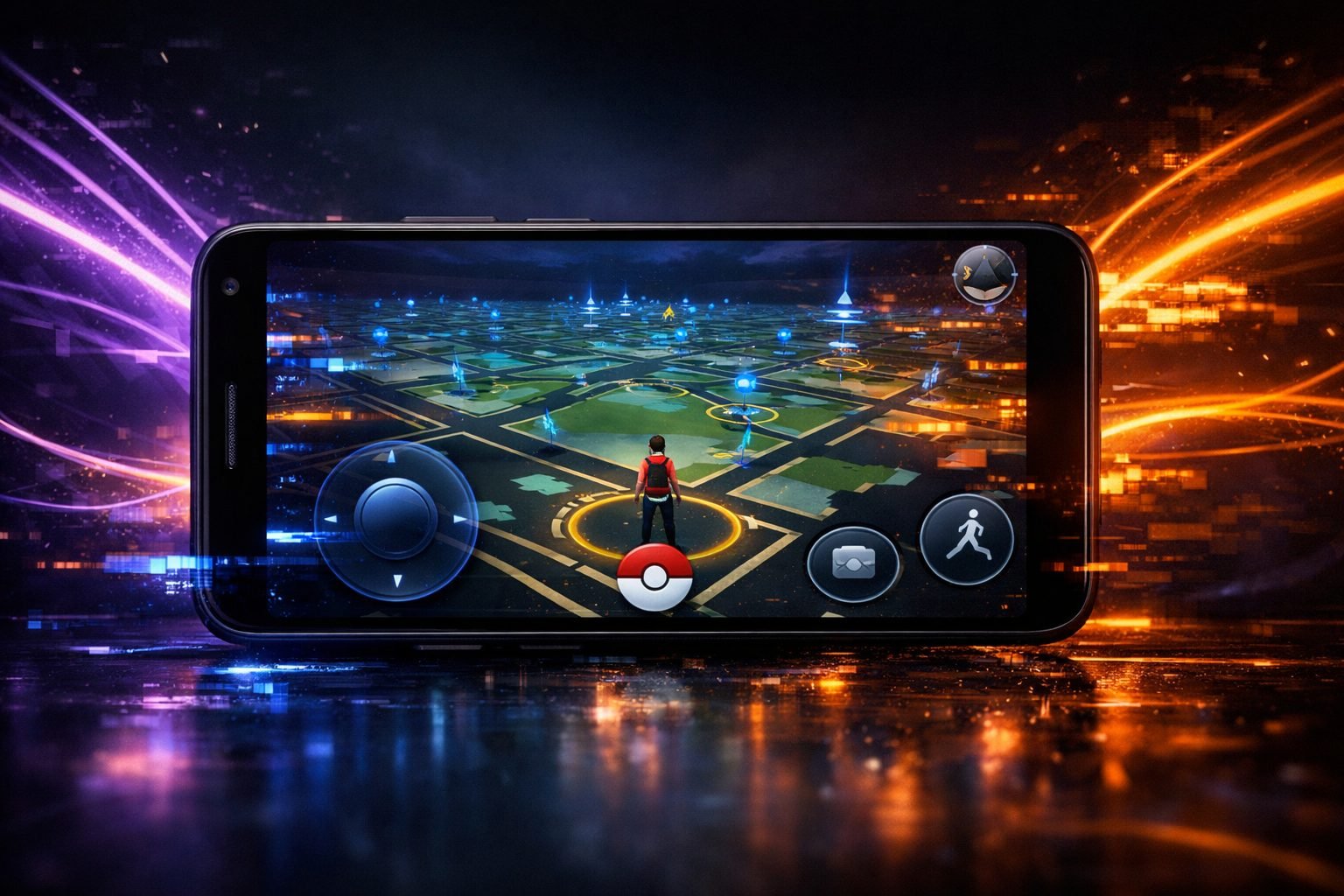
PGSharp Joystick Not Working: 2026 Troubleshooting Guide for Rooted Android
PGSharp joystick not working is one of the most common complaints after a Pokémon GO or Android update, and it’s rarely one single cause. On rooted phones specifically, the joystick can break from root-hiding modules, stale app versions, or Android’s location stack fighting the mocked GPS signal. This guide runs through fixes in the order they actually solve the problem, starting with the quickest.
Quick answer
PGSharp joystick not working is most often caused by an outdated PGSharp build, Android’s location mode set to GPS-only instead of High Accuracy, or a root-hiding Magisk module conflicting with the mocked location. Update PGSharp to the current build first, switch location mode to High Accuracy, then clear the app’s cache. If it still freezes, check for module conflicts in Magisk and confirm you haven’t hit a movement cooldown after teleporting too far too fast.
Need a ready-to-use rooted phone?
Choose a professionally prepared Android device built for a clean, dedicated setup—without turning your everyday phone into a test bench.
Shop rooted Android phonesAsk for buying adviceWhy the joystick breaks more often than teleport
Joystick relies on Android continuously feeding fake GPS coordinates in small increments while you hold and drag the on-screen stick. Teleport just needs one clean jump. That constant stream of location updates is exactly where things go wrong, because it depends on the phone’s location provider staying stable for as long as you’re moving, not just for a single instant.
Any hiccup in that stream, from a battery optimisation rule killing background location to a root check briefly failing, shows up as the joystick freezing, snapping back to your real coordinates, or refusing to respond to drag input at all. This is also why PGSharp joystick not working tends to appear right after a phone reboot, an Android security patch, or a PGSharp update, since all three touch the location permission chain.
Step 1: Confirm you’re on the current PGSharp build
PGSharp doesn’t update through the Play Store, so it’s easy to be running a version that’s several point-releases behind without realising it. As of late September 2026 the official current build is PGSharp 1.271.0, which requires Android 9.0 or above. Open the app and check for an update banner; if one appears, install it before touching anything else.
Joystick and teleport are the first two features to break when PGSharp falls behind a Pokémon GO client update, because both depend on how the app talks to the game’s location handling. Only download updates from PGSharp’s own site, never a Discord mirror or forum APK, since those are frequently several versions stale and that alone causes joystick freezing that looks like a deeper bug.
Step 2: Switch Android’s location mode to High Accuracy
If PGSharp is current and the joystick still won’t respond, check Settings > Location > Mode. GPS-only mode reads raw satellite data and will fight a mocked location the whole time you’re dragging the joystick, causing it to jump back to your real position or freeze mid-drag.
Switch to High Accuracy (sometimes labelled ‘Improve Location Accuracy’ on Samsung One UI or MIUI), which blends GPS, Wi-Fi and network data instead of relying on GPS alone. On some Xiaomi and Samsung builds this setting is buried inside a battery or location submenu rather than the main Location page, so search your settings app directly for ‘location mode’ if you can’t find it where you expect.
Step 3: Double-check the joystick toggle inside PGSharp itself
This sounds obvious but it’s the fix people skip because they assume the setting is fine since it worked yesterday. Open PGSharp’s in-game settings menu and confirm the joystick option is switched on, then fully close and reopen the app rather than just backgrounding it.
PGSharp sometimes resets feature toggles to default after an update installs, which silently turns the joystick off even though everything else looks unchanged. If the option has disappeared from the menu entirely rather than just being greyed out, that usually points back to Step 1, an old build missing the feature rather than a settings problem.
Vital Security Step: Hide Your IP
Spoofing your GPS without hiding your IP is a red flag to Niantic’s anti-cheat system – if your GPS says one location and your IP says another, you risk detection. We use Surfshark VPN because its GPS-override feature matches your IP to your spoofed location automatically.
Hide My Location (82% Off)Step 4: Clear PGSharp’s cache and data
A corrupted cache is a quieter cause of PGSharp joystick not working than most people assume, and it gets skipped because reinstalling feels more thorough. Go to Settings > Apps > PGSharp > Storage & Cache, clear both cache and data, then relaunch and log back in. This resets the app’s stored location state without touching your PGSharp key or account login in most cases, so it’s worth trying before a full uninstall.
If you’ve also had teleport issues alongside the joystick, our PGSharp teleport troubleshooting guide covers the same cache reset plus a few teleport-specific checks worth running at the same time.
Step 5: Check for root-hiding module conflicts
On a rooted phone, joystick failure has causes that non-rooted users never see. Magisk modules that hide root status from Pokémon GO, commonly Shamiko or Zygisk-based hide lists, can intermittently block the location mocking permission PGSharp needs, especially right after the module updates itself.
Open Magisk, check which modules are active, and temporarily disable any hide-related module one at a time to isolate the conflict. Play Integrity fixes and root-hiding modules occasionally ship updates that are stricter than the previous version, and that stricter check is enough to break joystick dragging even though teleport still works fine, since teleport makes fewer, less frequent location calls.
Step 6: Rule out a cooldown, not a bug
If the joystick moves for a second then freezes and shows a warning or just stops responding, you may have hit Pokémon GO’s own movement cooldown rather than an app fault. Teleporting or joystick-walking too far too quickly triggers a temporary lock where the game refuses new location updates until the cooldown clears, and this can look identical to a technical failure.
PGSharp includes a cooldown timer specifically to warn you before this happens, so check that indicator before assuming it’s a settings or root problem. Waiting it out, usually a few minutes for short jumps and longer for big ones, is the only fix here.
Step 7: Look for a conflicting mock location app
Android only allows one app to be set as the mock location provider in Developer Options at a time. If you’ve ever installed a separate GPS spoofing app, a testing tool, or another joystick app and set it as the mock location app, it will silently override PGSharp’s location injection even if you never open it again.
Go to Settings > Developer Options > Select Mock Location App and confirm PGSharp (or its launcher, if you’re running the rooted version) is the only one selected. This is an easy thing to forget about if you switched apps months ago and never revisited the setting.
Step 8: Check Android’s battery optimisation isn’t killing location in the background
Aggressive battery management on Samsung, Xiaomi, Oppo and OnePlus phones will suspend an app’s background location access to save power, and PGSharp’s joystick needs continuous access while the app is open, not just backgrounded. Go to Settings > Apps > PGSharp > Battery, and set it to ‘Unrestricted’ or ‘No restrictions’ rather than ‘Optimised’. Also confirm location permission is set to ‘Allow all the time’ rather than ‘Only while using the app’, since some manufacturer skins downgrade this automatically after a system update.
When the problem is the phone, not the settings
If you’ve worked through every step above and the joystick still stutters, lags badly, or drops the connection to the location provider entirely, the issue may be the hardware rather than software. Older or budget Android devices with weak GPS chips or heavily modified manufacturer location stacks fight mocked GPS constantly, and no amount of settings tweaking fixes that reliably.
This is the main reason dedicated spoofing setups use phones chosen specifically for clean root access and stable location handling rather than whatever’s cheapest. Our rooted Android phone guide covers which models handle joystick and teleport most reliably if you’re troubleshooting a phone that’s simply not built for it.
Root vs no-root: does it change joystick reliability?
Rooted setups running PGSharp’s dedicated launcher generally handle joystick dragging more smoothly than the standard no-root APK, because the launcher can grant location permissions at a system level rather than working around Android’s restrictions from inside a sandboxed app. That said, root introduces its own failure points, namely the Magisk module conflicts covered in Step 5.
If you’re deciding which setup to run in the first place, our PGSharp root vs no-root comparison breaks down the tradeoff in more detail, and the PGSharp Launcher setup guide walks through getting the rooted version installed correctly from scratch.
Uninstall and reinstall as a last resort
If none of the above works, a clean reinstall clears out anything a cache clear couldn’t reach, including leftover configuration files from old PGSharp versions. Uninstall PGSharp completely, restart the phone, then reinstall the current APK directly from PGSharp’s official site rather than a saved installer file, since that guarantees you’re not reinstalling the same stale version that caused the problem. Log back in with your existing key, since reinstalling doesn’t cost you your subscription or key validity, it just resets local app data.
PGSharp joystick not working: key takeaways
PGSharp joystick not working is almost always fixable without reinstalling everything. Start with the current version (1.271.0 as of September 2026), switch location mode to High Accuracy, then work through the app’s own joystick toggle, cache, and Android’s battery/mock-location settings. Rooted phones add Magisk module conflicts to the list of suspects, and persistent stuttering on older hardware often means the phone’s GPS chip is the real bottleneck, not a setting.
Buying recommendation
If you’ve worked through every fix here and the joystick still lags, drops, or fights the mocked location, it’s usually the phone rather than PGSharp itself, especially on older or heavily skinned Android devices where the manufacturer’s location stack wasn’t built with spoofing in mind. A phone pre-configured for rooted spoofing with clean location permission handling removes most of the causes covered above before you even open the app. That’s the gap our pre-rooted Android phones fill, set up and tested for stable joystick and teleport performance out of the box.
Ready to Get Spoofing?
Every phone is pre-rooted, tested, and ready to go straight out of the box – buy direct from us or through our official eBay store.
Frequently asked questions
Why does PGSharp joystick stop working after every update?
PGSharp updates change how the app talks to Pokémon GO’s location handling, and joystick is one of the first features affected because it depends on continuous location updates rather than a single jump like teleport. Always update PGSharp within a day or two of any Pokémon GO client update to avoid this.
Does clearing PGSharp’s cache delete my PGSharp key or login?
No, clearing cache and data resets the app’s local state but your key and login are tied to your account on PGSharp’s servers, not stored purely on your device. You may need to log back in and re-enter your key, but you won’t lose the key itself.
Is a rooted phone more likely to have joystick problems than a non-rooted one?
Root itself doesn’t cause joystick issues, but root-hiding Magisk modules occasionally conflict with the location mocking permission, especially right after those modules update. Non-rooted setups avoid that specific conflict but lose some of the reliability benefits root gives PGSharp’s launcher.
Why does the joystick freeze but teleport still works fine?
Joystick needs a constant stream of small location updates while you drag, so it’s far more sensitive to interruptions in Android’s location stack than teleport, which only needs one clean update. A brief permission hiccup or battery optimisation kill is enough to freeze joystick without affecting teleport at all.
Build the right setup once
Start with compatible hardware, enough memory and a stable Android build. A purpose-prepared phone is easier to maintain and keeps experimentation away from your personal handset.
Browse compatible phonesRead more setup guides

