
Pokémon Go Spoofing Explained: What It Is, How It Works, and Is It Safe?

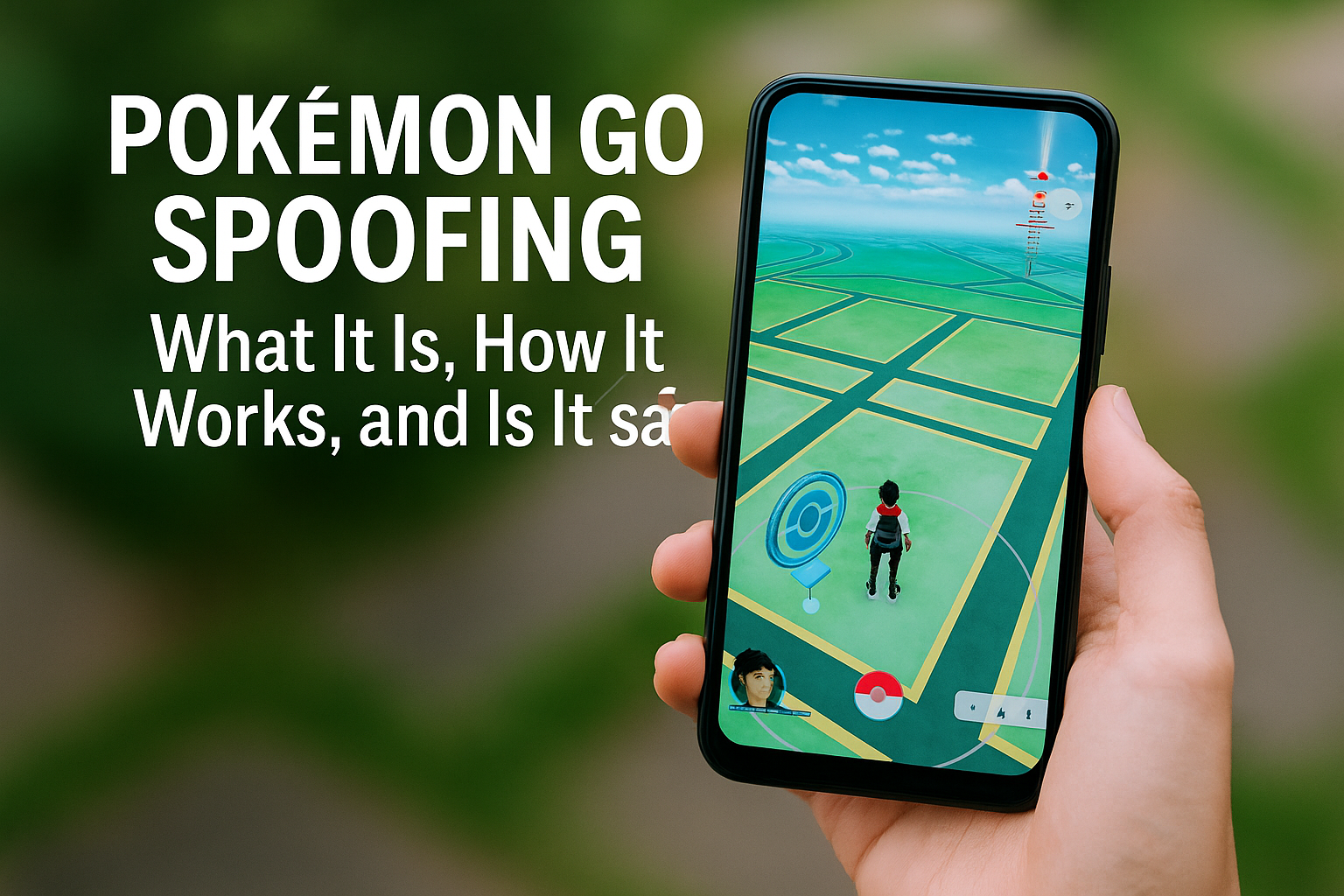
Welcome, Trainer! If you’re curious about Pokémon GO spoofing — whether you’re struggling with sparse spawns in your area, want to experience global events, or just want to understand how it works — this guide is for you.
We’ll walk you through what spoofing is, how it’s done, why people do it, and what risks are involved. You’ll also find safe, ethical alternatives and important advice if you’re considering using a spoof-ready device.
How Pokémon GO Works
Pokémon GO is an augmented reality game that blends GPS, real-world locations, and virtual Pokémon. Your avatar mirrors your GPS location. You walk around in real life to catch Pokémon, spin PokéStops, and battle in Gyms.
Core Features:
• Catching Pokémon using Poké Balls in AR or map view
• Spinning PokéStops to get items
• Fighting in Gyms and Raids with other players
• Leveling up, evolving, and trading Pokémon
• Participating in events and Community Days
But what if you can’t physically travel much, live in a remote area, or want access to region-exclusive Pokémon?

What Is Spoofing?
Spoofing means tricking the game into thinking your phone is somewhere else. You stay at home, but the game thinks you’re in Tokyo, Paris, or Central Park.
Spoofing involves:
• Using modified apps or rooted phones
• Faking GPS coordinates
• Jumping between global hotspots for rare spawns
In short: you control your location with a joystick, not your feet
Why Players Spoof
People spoof for various reasons:
-
Live in rural or dead zones with no PokéStops or spawns
-
Want region-locked Pokémon like Kangaskhan or Heracross
-
Can’t travel easily due to disability or restrictions
-
Want faster progress (e.g., grinding XP or Stardust)
-
Enjoy PvP and raids in high-traffic areas
“I started spoofing because my town had zero Gyms. Now I can finally join raids, battle, and participate in events just like everyone else.”
Tools Used for Spoofing
There are several ways spoofing is done, depending on your device:
For Android
-
Magisk (rooted): Most stable long-term option
-
PGSharp: Popular modded APK for non-root users (with limitations)
-
LSposed + Hide My App List: Helps mask root status
For iOS
-
TrollStore (for permanent sideloaded apps)
-
iPogo or PokeGo++ (easier, but higher ban risk)
Other Tools
-
VPNs: Optional, used for extra privacy
-
Joystick apps: For easier virtual movement
⚠️ Note: Not all spoofing methods are equal. Cheap or poorly set up methods often lead to bans.
Is Spoofing Allowed?
No. Niantic officially bans spoofing.
They see it as cheating — bypassing the game’s core mission of exploration, walking, and community engagement. Their detection system monitors suspicious behavior like:
-
Instantaneous global travel
-
Raiding from remote regions
-
Login patterns from different devices/locations
Risks of Spoofing
Spoofing comes with clear risks:
|
Risk |
Description |
|---|---|
|
Account bans |
Temporary or permanent bans (especially if caught multiple times) |
|
Loss of progress |
Entire account progress and rare Pokémon can be wiped |
|
Device flags |
Niantic can flag device IDs, making future spoofing riskier |
|
Malware from dodgy tools |
Some APKs and cracked apps include spyware or adware |
💡 That’s why we only sell fully tested and secure spoof-ready phones → Shop Now
How to Spoof Safely (If You Choose To)
If you decide to spoof, do it smartly:
✅ Use a trusted phone with Magisk and LSposed
✅ Avoid jumping across the globe in seconds
✅ Don’t raid too much in remote areas
✅ Turn off Adventure Sync when not in use
✅ Keep up with Niantic’s updates — rules can change anytime
Our spoof-ready Pixel devices come pre-configured for safe spoofing. Check them out.
Spoofing Alternatives
Not ready to spoof or want to play legit? Here are some tips:
-
Join local Discord or Facebook raid groups
-
Use a bike or public transport to cover more ground
-
Play during events with boosted spawns
-
Use incense, lures, and daily spawn mechanics
-
Plan city trips around Community Days
You can still have a great experience without GPS tricks — it just takes more patience.
Final Thoughts
Spoofing isn’t for everyone. For some, it’s a lifeline. For others, it breaks the spirit of the game. Whether you decide to spoof or not, the key is understanding what it is, what it risks, and how to do it responsibly if you go down that path.
If you’re looking for the safest way to start spoofing, explore our fully unlocked, spoof-ready phones. Every device is tested, rooted, and tailored for Pokémon GO use.
FAQ
Is spoofing illegal?
Not legally, but it violates Niantic’s terms of service. You can be banned from the game.
What’s the safest phone for spoofing?
Pixel 3a, 4a, 6 — with Magisk, LSposed, and a clean Android install.
Can I spoof without root?
Yes, using modded apps like PGSharp, but these carry a higher ban risk and don’t support Adventure Sync.
Will I get caught spoofing?
Possibly. Avoid rapid jumps and follow cooldown rules. Nothing is 100% safe.
Where can I buy a spoof-ready phone?
Right here: PogoSpoofing Shop


3 thoughts on “Pokémon Go Spoofing Explained: What It Is, How It Works, and Is It Safe?”